
What actually changes, week by week
These are worked scenarios rather than customer testimonials — three institution shapes, what the rollout looks like, and which problems go away in the first week rather than the first year.
Why these are scenarios and not testimonials
Every competitor page in this category carries a wall of school logos and a claim like “trusted by 125,000+ schools”. Ours does not, for a simple reason: we are not going to print numbers we could not substantiate if you asked for three references. A claim that collapses under one question costs more than it earns.
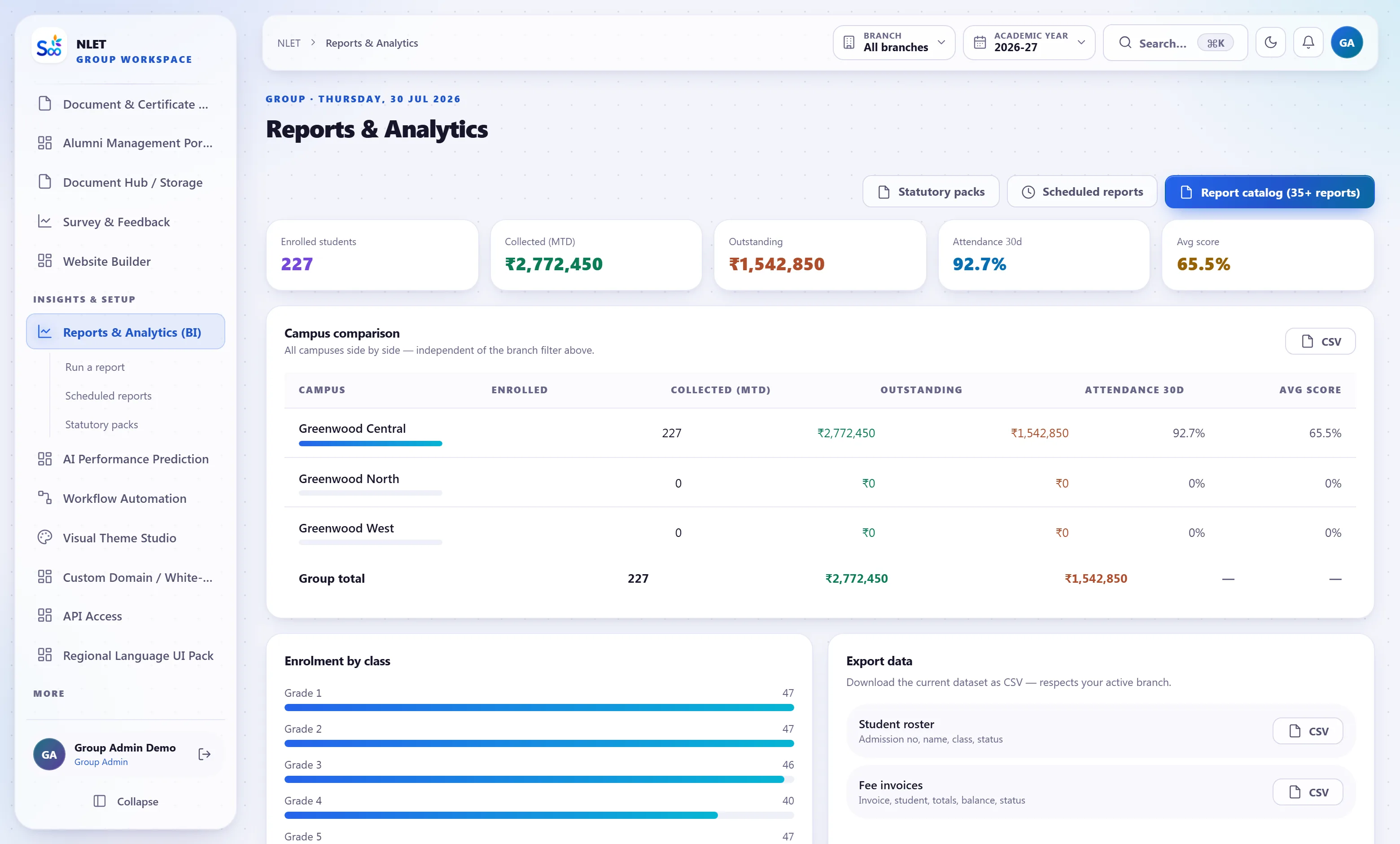
So what follows are worked scenarios — composites built from real rollout patterns, describing what the software does in each situation and roughly what it takes. Where a figure appears it is a figure the software produces, not an outcome we are attributing to ourselves.
If you want to speak to a school that is actually using this, ask on the call and we will arrange it — with a school of a comparable size and board, and without us in the room. That is a better test than any page, including this one.
A single CBSE school, 640 students, three office staff
The typical starting point: an admission register in a ledger, fee receipts in a receipt book with a parallel Excel, marks in per-teacher spreadsheets, Tally for accounts, and a WhatsApp group per class. Nothing is broken; everything takes longer than it should, and the outstanding fee figure is a question somebody has to go and work out.
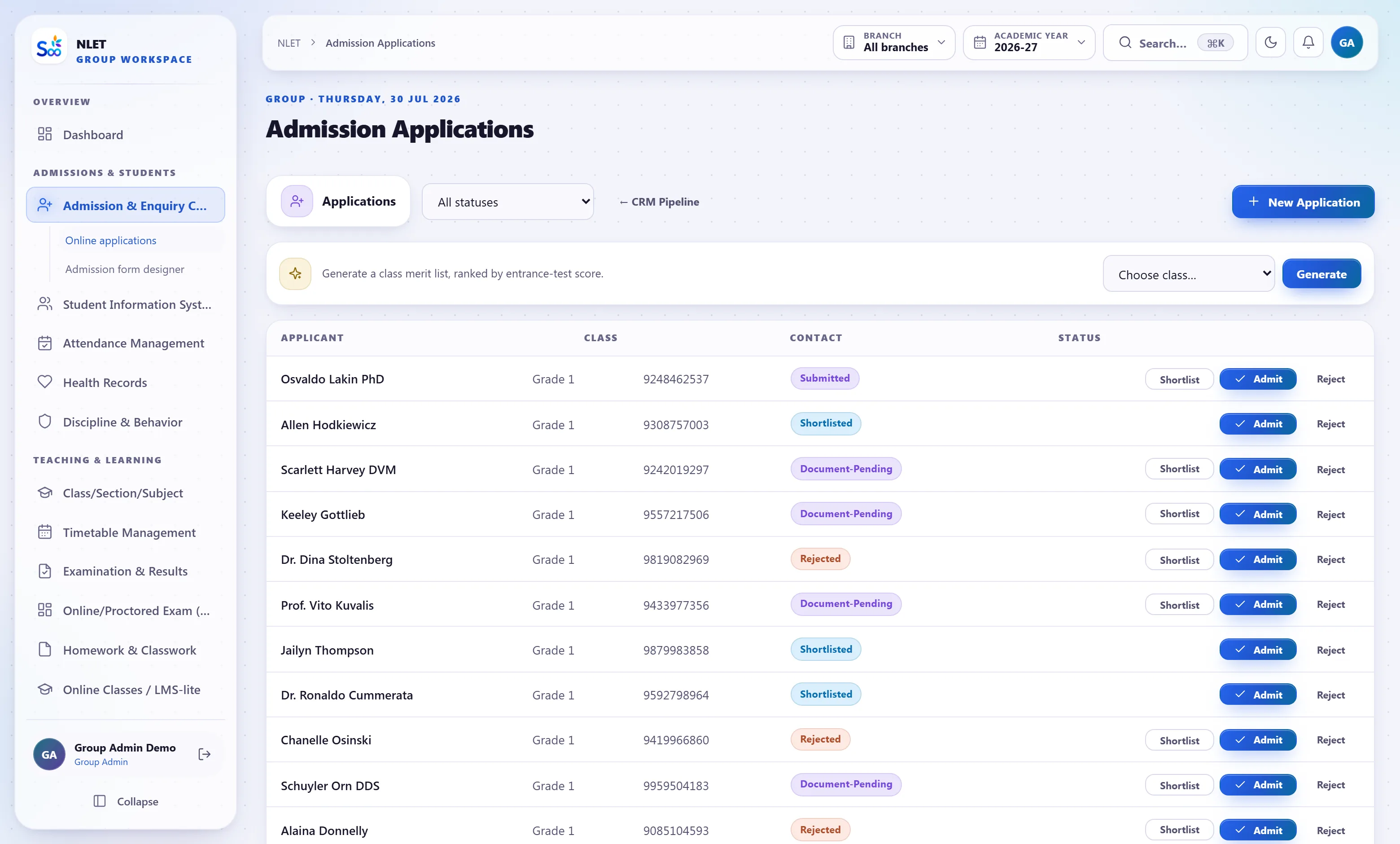
- 01 Week one: students and one fee structure Import 640 students from six Excel files, reconcile the class counts, load last year’s fee structure and the outstanding balances. The reconciliation the school checks is three numbers: student count, total outstanding, opening ledger balance.
- 02 Week two: attendance and the parent alert Class teachers mark on their phones. The absence alert goes out at 9:35. This is the change parents notice, and it is the one that buys the office goodwill for everything else.
- 03 Month one: fees stop being a reconciliation Receipts post to the ledger as they are taken. The outstanding figure is live, by class and by student. Tally is still there, receiving an export, and after a term most schools stop bothering.
- 04 Term one: report cards in an afternoon Subject teachers enter their own marks in a window the exam controller opens. Report cards generate with attendance already on them. The fortnight of formatting does not happen.
A trust with two campuses, 1,900 students, separate accountants
The problem here is not any individual campus — each runs reasonably well on its own. The problem is that the trust cannot compare them without asking two people for two spreadsheets built differently, and the answer arrives a week later describing last month.
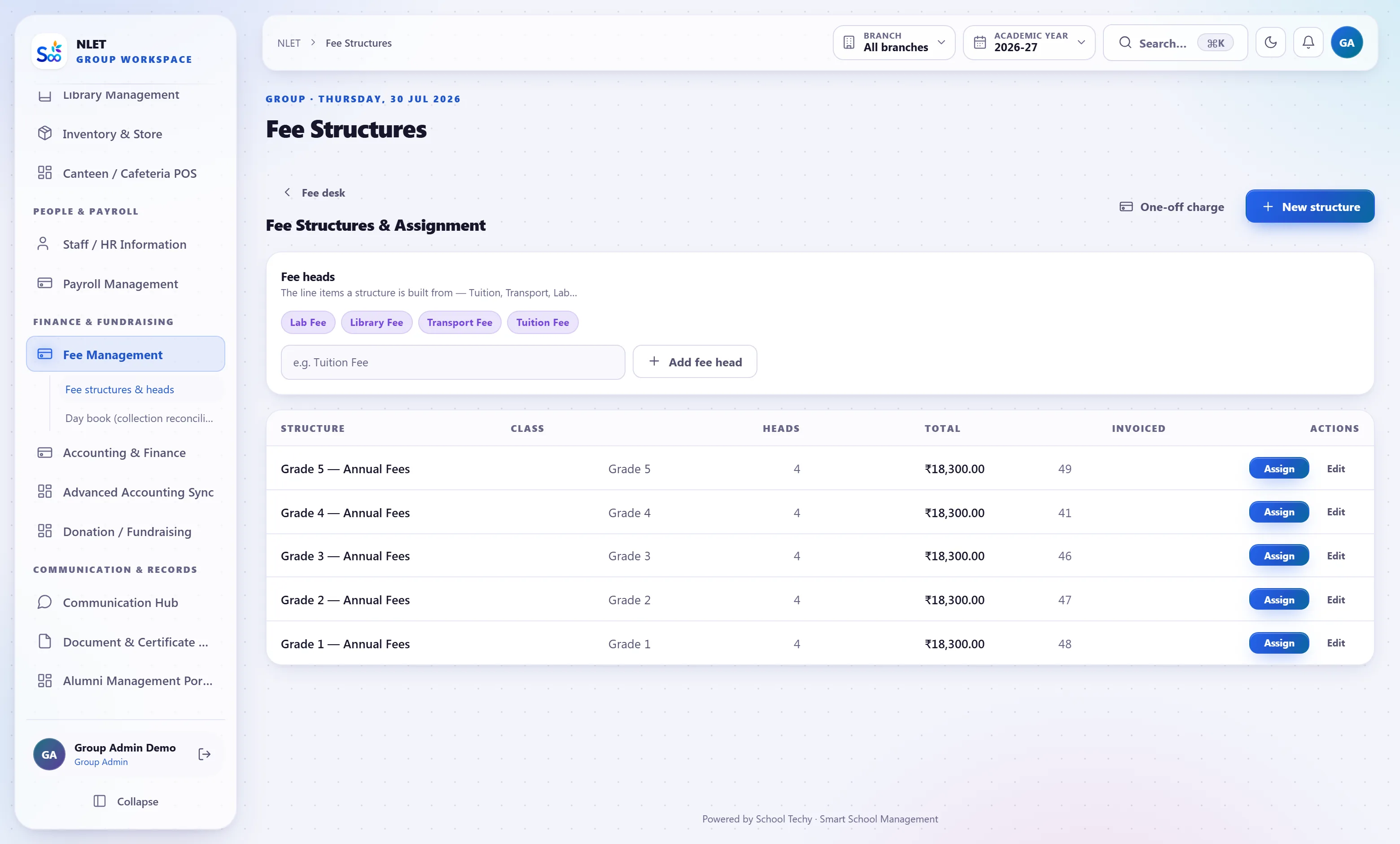
- 01 Each campus keeps its own books Its own chart of accounts, journals and accounting periods, so one campus can close March while the other is still posting. Neither accountant loses their independence.
- 02 A branch admin cannot see the other campus Enforced in the query rather than by hiding a menu, which is what makes it credible to two principals who would each rather not be second-guessed.
- 03 The trust gets one comparison, live Enrolment, collection, outstanding, attendance and average results side by side, refreshed as data is entered rather than assembled monthly.
- 04 Students transfer without re-entry A family moving between campuses carries the child’s history and balance across, recorded on both sides — which is the part a manual process always loses.
A coaching chain, four centres, 1,100 students on instalments
Here the two numbers that decide the year are enquiry conversion and fee realisation, and both are invisible in the existing arrangement — enquiries in a shared register, instalments chased by whoever remembers.
- 01 Enquiries get owners and dates The screen leads with what is overdue rather than with a total. The first week almost always surfaces a longer list of un-called enquiries than management expected.
- 02 Instalment reminders go out automatically WhatsApp and SMS on approved templates, with a payment link. The phone calls are then only to the people left, which is a much shorter list.
- 03 Rank lists after every test Within the batch and across centres, with percentile and a per-topic breakdown, published to the student app.
- 04 The owner compares centres Conversion, collection, attendance and test performance per centre — which is how a centre with a quiet problem becomes visible before the year ends.
The rollout order that works
The same three steps in all three scenarios. The order is the important part, and getting it wrong is the most common reason a good rollout gets a bad reputation.
“The number that changed our mind was not a feature. It was that our outstanding fees figure stopped being a question somebody had to go and work out.”
Questions about references and rollout
Something not answered here?
Can we talk to a school that uses this?
Why do you not show customer logos?
How long does a rollout actually take?
What goes wrong most often?
Do you charge for migration?
What if we decide against it after importing our data?
Can we run alongside our existing system for a term?
Who trains our staff?
Ask for the reference call
Tell us your size and board and we will introduce you to a comparable school, without us on the call. Then decide.
- No card required
- Your data stays yours — export any time
- Setup help included