
Examination software that generates report cards, rather than formats them
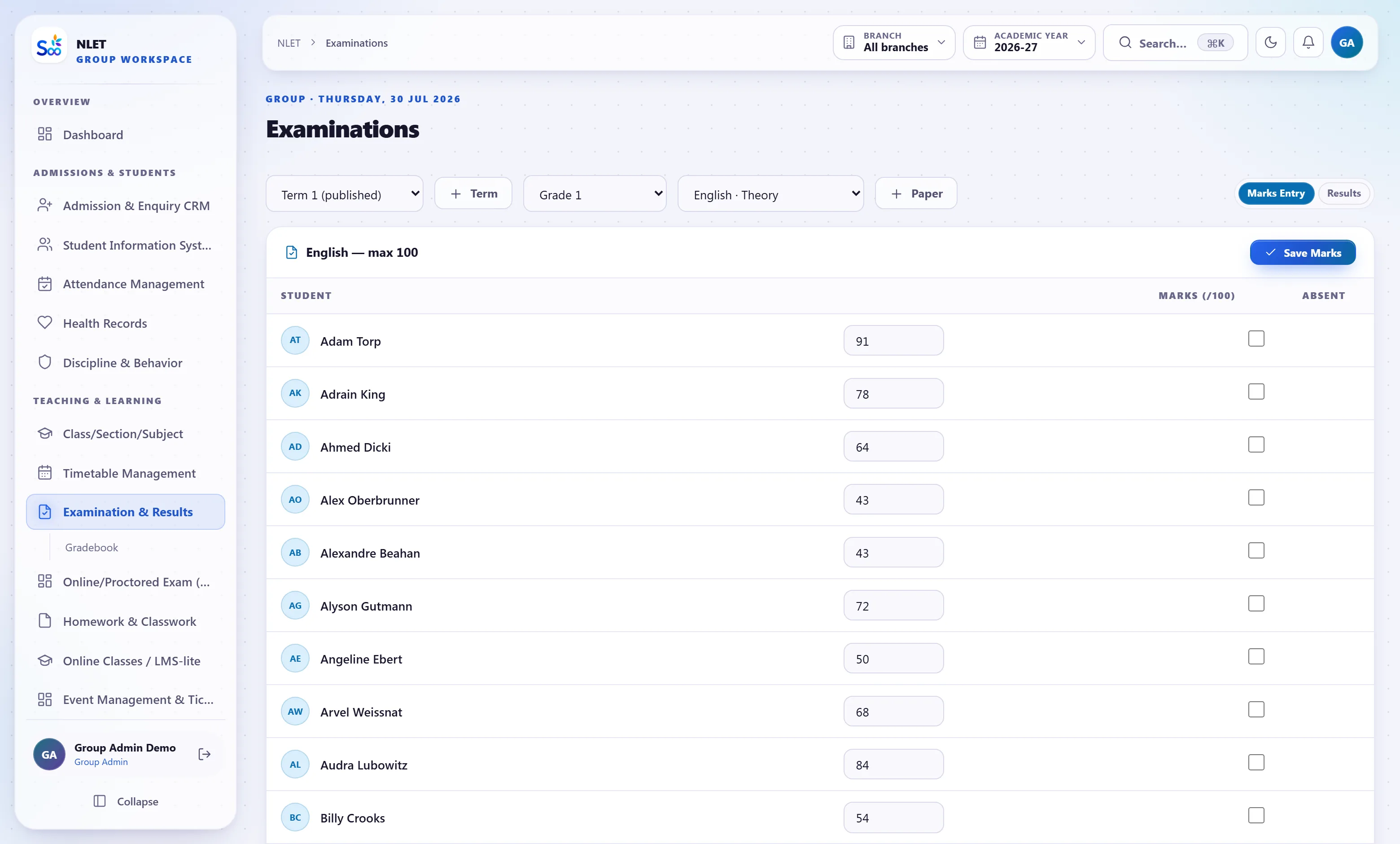
Exam terms, mark entry with per-subject maximums, your school’s grading scheme, moderation, CGPA and board-format report cards — plus online tests where you want them.
What ships in examinations
Counted from the software, not the brochure.Your school’s scheme, not a generic one
Grading is the place where school software usually forces a school to change its own practice. CBSE wants a scholastic and co-scholastic split with grades on both. An ICSE school wants percentages and a rank. A state board wants its own slabs. A CGPA school wants nine-point grades. Rather than pick one, the scheme is something you define — bands, boundaries, weightings and what appears on the certificate.
- 01 Terms with their own weight Two terms at 50% each, or unit tests at 10% and finals at 60%, or periodic assessment plus a half-yearly. The final result is computed from the weights you set.
- 02 Grade bands you control A1/A2/B1 with their own boundaries, or A–E, or a nine-point CGPA. Boundaries are numbers you set, not ones we assumed.
- 03 Scholastic and co-scholastic separately Subjects that carry marks and subjects graded on a scale — work education, art, health — reported as CBSE expects them.
- 04 Per-subject maximums enforced at entry A subject out of 80 refuses an 85. Catching it at entry is the difference between a correction and a re-issued report card.
One teacher, one subject, one screen — and a window that closes
Marks are entered by the teacher who taught the subject, for their own sections, within a window the exam controller opens and closes. That sounds procedural, and it is: the alternative is a spreadsheet emailed around, one person consolidating it, and nobody able to say which version is current.
- 01 Entry restricted to the teacher’s own subjects Enforced in the query. A teacher cannot open another section’s marks, so there is no version of the screen that leaks a result.
- 02 A window the exam controller opens and closes Entry is possible during the window and locked after. Late entries need the controller to reopen it, which is recorded.
- 03 Absent, exempt and pending are different things A blank is not a zero. An absent student, an exempt subject and marks not yet entered are distinguishable, which stops the report card averaging a blank as nought.
- 04 Moderation with the original preserved A moderated mark keeps the original alongside it and records who moderated and why.
Publish once, and every parent has it
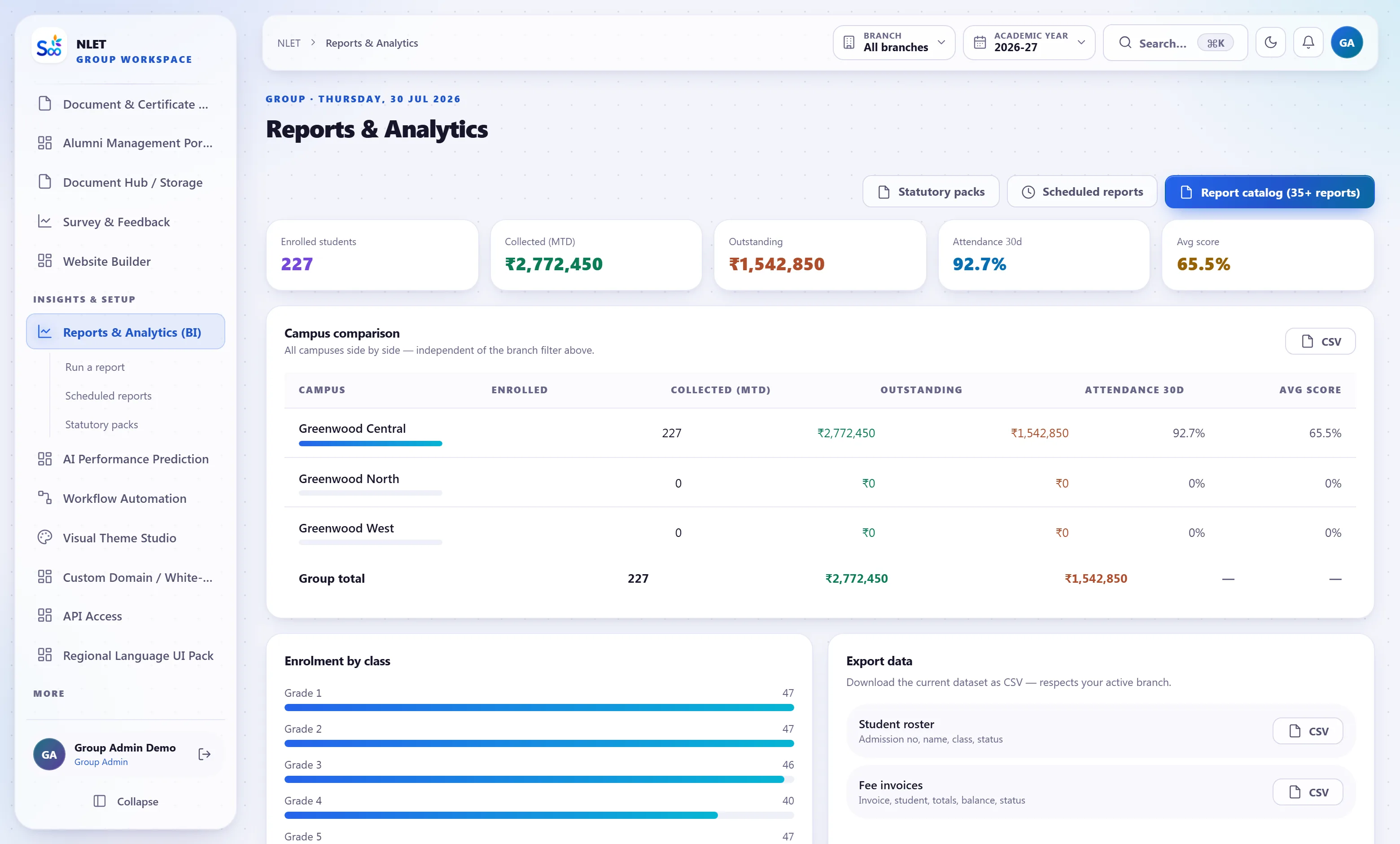
The report card is generated from the marks, the grading scheme, the attendance register and the co-scholastic grades — none of which is re-typed. It is printable in your school’s format for the file copy, and published to the parent app at the same time, so the distribution problem disappears along with the formatting one.
- 01 Generated, including attendance and remarks Term attendance comes from the register. Class-teacher remarks are entered once per student, not per subject.
- 02 Rank and class average where your school uses them Computed on your rule, and suppressible for classes where you would rather not publish a rank.
- 03 Published to the parent app on a date you choose Prepared in advance and released together. No parent sees a result before the school has finished checking it.
- 04 A term’s cards are one action Generate for a class or the whole school. Re-generate after a correction and the previous version is superseded rather than sitting in someone’s downloads folder.
Everything in the examinations module
How a term’s examinations run
What this module does not do
Stated here so it comes up now rather than in month three. If one of these is a hard requirement, tell us on the call and we will say plainly whether it is on the roadmap or not for us.
| You might expect | What we actually do | Status |
|---|---|---|
| Automatic marking of handwritten answer sheets | Objective online questions are auto-marked. Handwritten scripts are marked by teachers and entered | By design |
| A full question-paper typesetting and blueprint tool | Question banks and online papers. Not a print-paper layout tool with blueprints and difficulty balancing | Not yet |
| Board result upload to CBSE/ICSE portals | Export in the format each board wants. No direct API to board portals | Not yet |
| Video proctoring with an invigilator watching live | Tab-switch and focus flags on a report. No live video invigilation | Not yet |
| Plagiarism detection on subjective answers | Not offered. We would rather not sell a confidence score a teacher cannot check | Not for us |
| Changing a published report card silently | A correction supersedes the published version and is recorded. The old one is not quietly overwritten | By design |
What examinations is wired to
Nothing here is a separate product with an import step. These modules read and write the same student record, which is the entire point.
Examinations — questions we get asked
Something not answered here?
Does it support the CBSE report card format?
Can two teachers enter marks for the same class at once?
What stops a mark above the subject maximum?
How do you handle a student who was absent for one paper?
Can we moderate marks after entry?
Do parents see results immediately?
Are online tests proctored?
Can we generate a consolidated transcript across years?
Generate one class’s report cards from your own marks
Send last term’s mark sheet for one class and your grading scheme. We load both, and on the call you print a report card in your own format.
- No card required
- Your data stays yours — export any time
- Setup help included