
A school holds children’s data. That deserves specifics.
Not a badge wall. This page states how access is actually enforced, what is encrypted, what is logged, who can see medical records, and what happens to your data if you leave.
Permissions are in the query, not in the interface
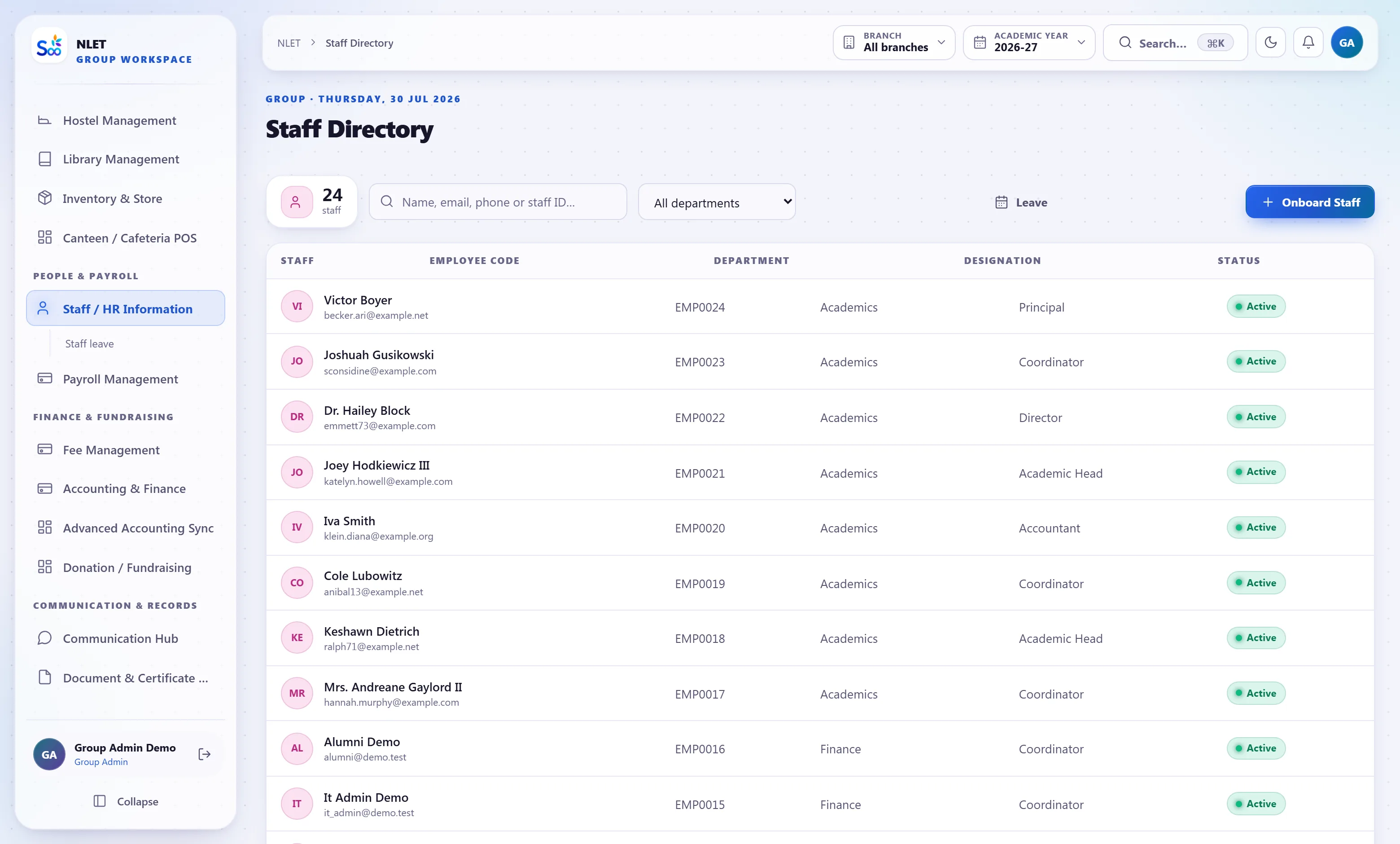
This is the single most important sentence on the page. In most school software, a role “cannot see” something because the menu item is hidden or the tab is not rendered — and the underlying request still returns the data. Here the narrowing happens in the database query itself, so a request for data outside your scope returns nothing rather than returning it to a screen that chooses not to display it.
- 01 Seventeen roles across forty-three modules Each module has verbs — view, create, update, delete, approve — and a role holds specific ones. Not three tiers of “admin, teacher, parent”.
- 02 Scope narrows the query A class teacher’s sections, a parent’s children, a branch administrator’s campus. The filter is applied where the data is fetched, so there is no request that returns the wider set.
- 03 The mobile API uses the same rules One permission model for both. There used to be three separate copies of a role list; consolidating them onto the browser’s model closed six privilege escalations and two dead ends.
- 04 Medical and financial data are separately gated A class teacher sees their students’ allergies; they do not see the school’s outstanding fee position. An accountant sees the ledger; they do not see medical notes.
One school cannot see another. Nor can one campus.
The platform is multi-tenant, which means your data shares infrastructure with other schools’ data. That is normal for hosted software and it is also exactly where the serious failures in this category happen — so the mechanism matters more than the reassurance.
- 01 Tenant scoping at the data layer Every record carries the school it belongs to, and the filter is applied by the data-access layer rather than by each screen remembering. A query written without it returns nothing, not everything.
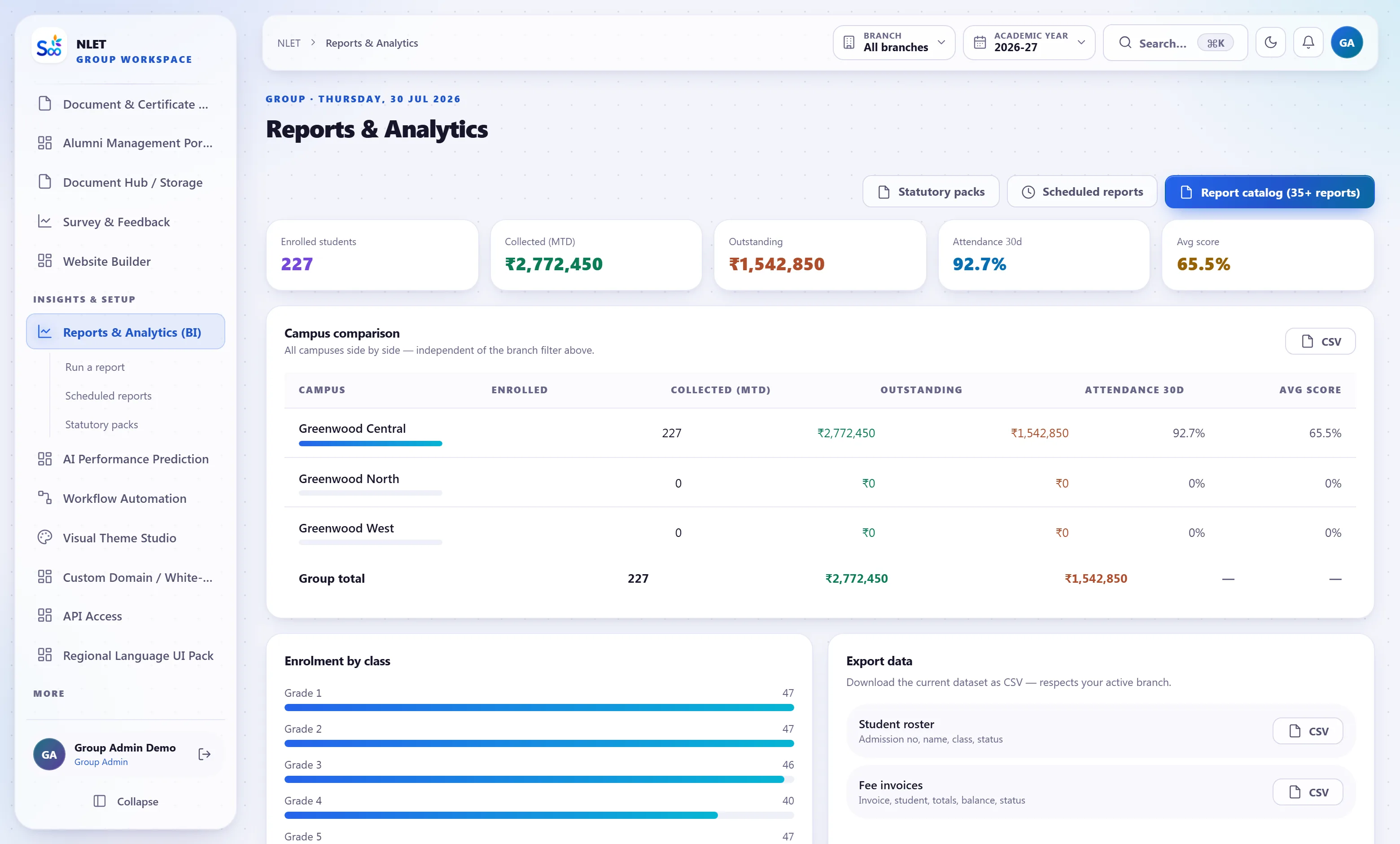
- 02 Campus isolation within a group The same mechanism, one level down. A branch administrator at one campus cannot reach another campus’s students, staff, fees or results — which is what makes a group deployment acceptable to two principals.
- 03 Platform staff access is scoped and logged Our own support access to a school workspace is deliberate, limited and recorded in your audit log, so you can see when it happened and who did it.
- 04 Backups are per school A restore returns your data, not a slice of a shared file that has to be filtered afterwards.
Getting in, and staying out
A school’s weakest security link is usually a shared password on an office computer, so the controls that matter most are the ones that survive that.
What is recorded, and what is yours
Two questions a board asks: can we find out who did this, and can we get our data back. Both should have short answers.
What we do not claim
Security pages in this category tend to imply certifications nobody has. Here is the plain version.
We are not ISO 27001 or SOC 2 certified. If a tender requires either, we will not qualify and it is better to know that in the first meeting. We will tell you what we actually do — the controls above are real and specific — and you can judge them on their merits.
We do not file your statutory returns and we do not certify your compliance. GST, TDS, PF and ESI are computed correctly and the reports your accountant needs are produced. Filing is yours. A vendor implying otherwise is transferring a risk they cannot carry.
We have had defects, and we fix them properly. A security review of this product found real problems, including a mobile login path that issued a privileged token without honouring a two-factor requirement, and three separate copies of a role list that had drifted apart. Both were fixed at the root — one permission model, enforced in one place — rather than patched at each call site. Any product of this size that claims never to have had a finding either has not looked or is not saying.
What we will not build. Facial recognition attendance. CCTV integration. Tracking a child’s location off campus. Any feature that scores a parent’s creditworthiness. These are not gaps in a roadmap; they are decisions, and we would rather lose a deal than build them.
Security questions
Something not answered here?
Can a teacher see the school’s total outstanding fees?
Who at your company can see our data?
Are you ISO 27001 or SOC 2 certified?
Can we require two-factor authentication for all staff?
What happens to our data if we stop paying?
Can a branch administrator in our group see other campuses?
Do you have an incident response process?
Can we run this on our own servers?
Send us your security questionnaire
We will fill it in honestly, including the questions where the answer is no. That is usually faster than a call, and it gives your board something in writing.
- No card required
- Your data stays yours — export any time
- Setup help included