
School mobile app: one app, four genuinely different jobs
Parents, students, teachers and administrators each get the app for their role — not one app with the other three roles greyed out. The same permission rules apply, because a phone is not a softer door.
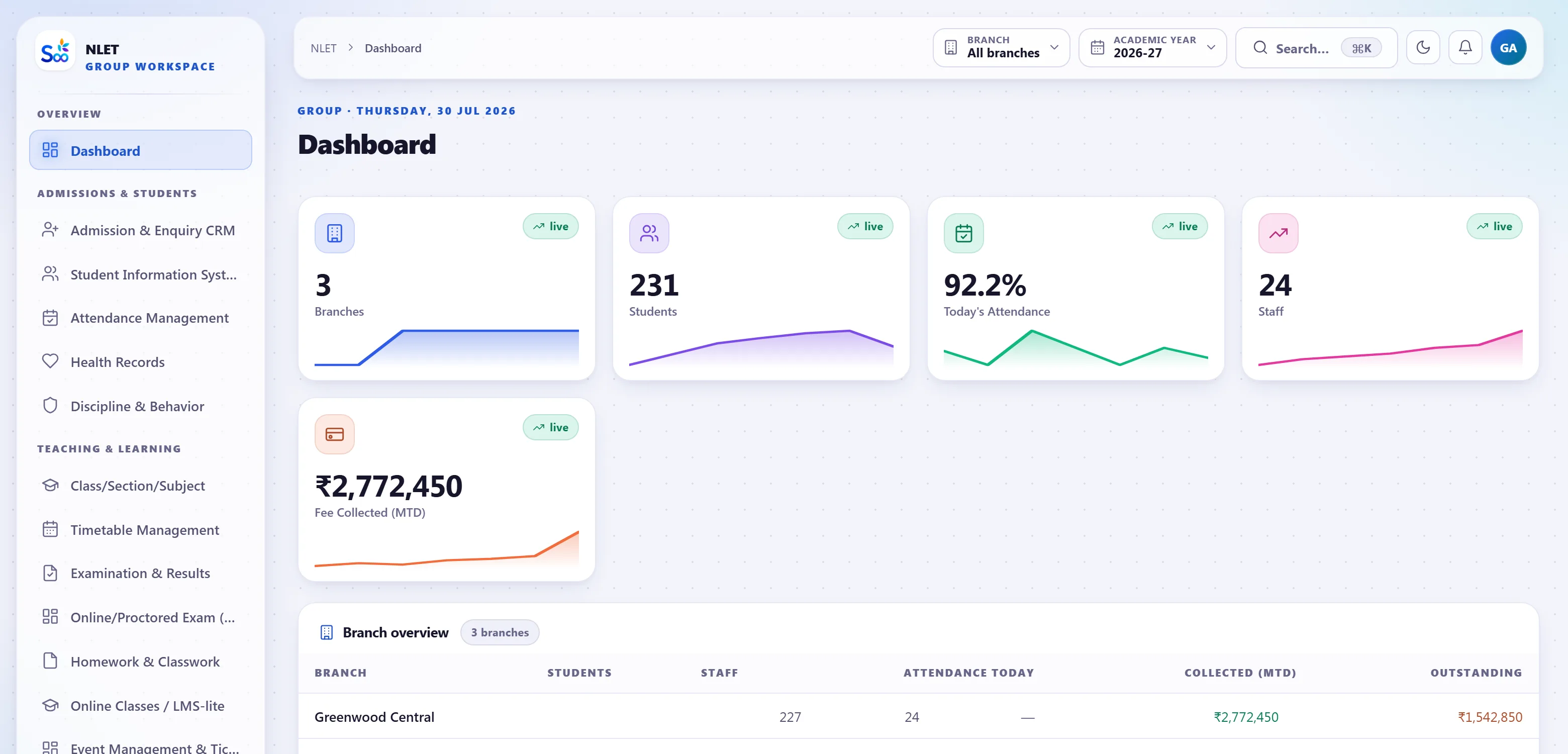
What ships on the phone
The same rules as the browser, enforced in the same place.The three things a parent opens an app for
Fees, attendance and results. Everything else in a parent app is secondary, and building it as though the notice board were the main feature is how school apps end up uninstalled.
- 01 Fees due, and paid from the appBroken down by head and instalment with due dates, paid through the gateway, with a receipt they can download afterwards. This is what stops the office fielding the same call twice.
- 02 Attendance, including this morningThe absence alert arrives as a notification and the register is there to check. Leave is applied for in the app, with dates and a reason, and approval comes back.
- 03 Report card when it is publishedNot before — the school releases results on a date it chooses, and then every parent has it at once.
- 04 Bus, notices and messagesWhere a tracker is fitted, the bus’s position and a stop-reached alert. School notices and messages from the class teacher.
- 05 Two children, one appA guardian with children in different classes sees both, correctly attributed. Two guardians each have their own login rather than sharing a password.
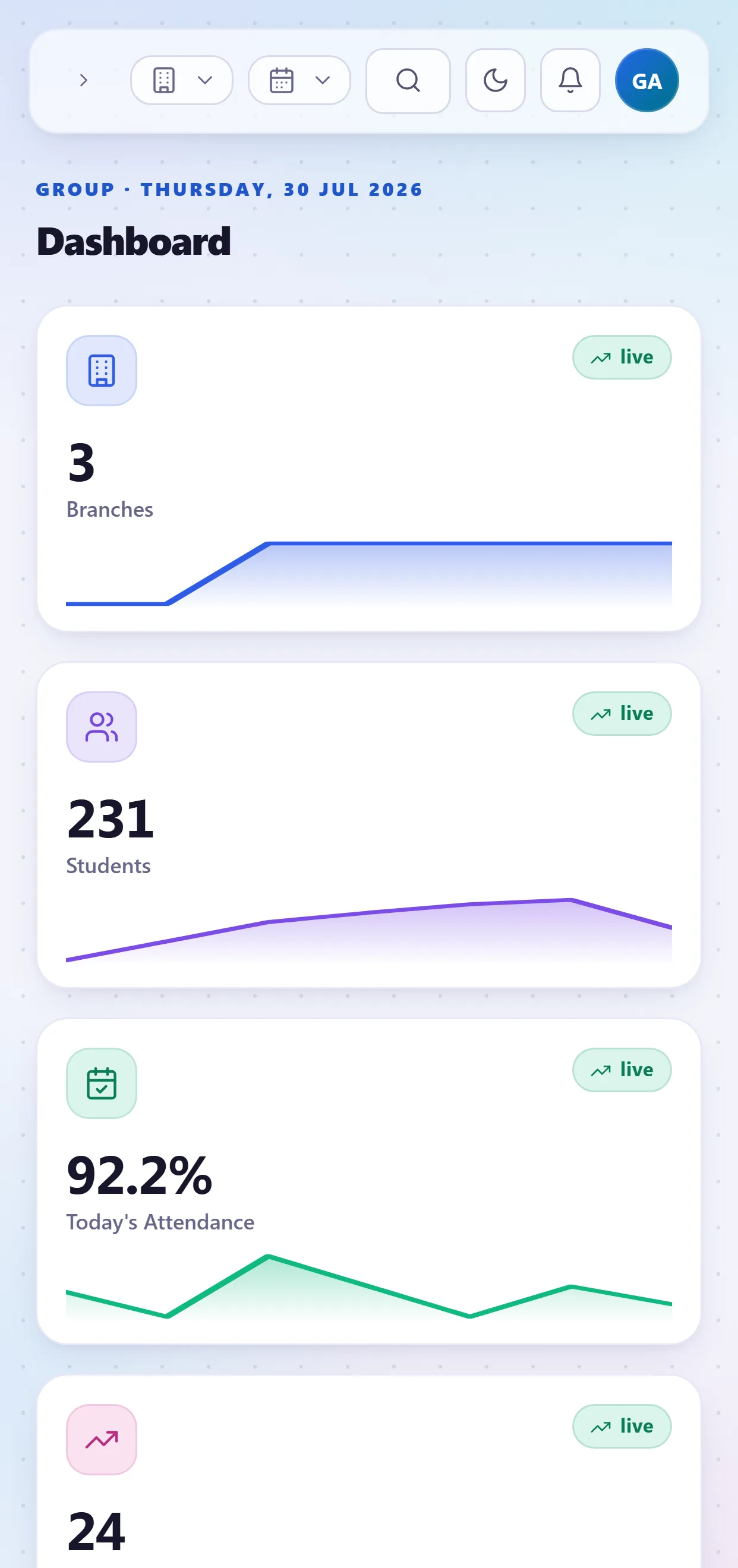
Today, on a phone, between periods
A student’s app is a schedule and a to-do list, not a portal. The useful question is “what have I got now and what is due tomorrow”, and that is what the first screen answers.
- 01 Today’s timetable with the next period highlighted Including a substitution arranged that morning, because the timetable and the app read the same grid.
- 02 Homework and classwork Set by subject with a due date, with attachments where a teacher has added them, and submission where the school uses it.
- 03 Marks and results Internal assessment as it is entered, and the term result when the school publishes it.
- 04 Library and exams What they have issued and when it is due; the exam schedule and their seat.
Attendance in the classroom, not in the staff room afterwards
A teacher app justifies itself with one screen: the register, marked in fifteen seconds, in the room, at the start of the lesson. Everything else is a bonus. Marking attendance at lunch produces an absence alert nobody needs.
- 01 Their own sections only Enforced in the query. A teacher cannot open another section’s register, so there is no version of the screen that shows the wrong class.
- 02 Present by default, exceptions tapped The common case is one action. Absent, late and half day are one tap each with an optional remark.
- 03 Mark entry for their own subjects Within the window the exam controller opened, with per-subject maximums enforced at the keyboard.
- 04 Homework and a message to the class Set homework with a due date; message the parents of one section without an export and a broadcast tool.
- 05 Their timetable and their substitutions Today’s periods, and a notification when they have been assigned a substitution this morning.
The day’s numbers, and what is waiting for you
A principal or administrator wants two things on a phone: today’s figures, and the queue of approvals holding somebody else up. Both are on the first screen, and the figures are the same ones the browser shows because they come from the same query.
- 01 Today: collection, attendance, absentees, admissions The four numbers that describe a school day, live rather than as of last night.
- 02 Approvals in one queue Leave requests, gate passes, concessions and expense approvals — the things where a delay of a day is somebody else’s problem.
- 03 Ask Buddy in plain words “Fee dues per class”, “which students have low attendance”, “top 10 students of class 5”. Answers come from your own data, with the window and campus stated.
- 04 Campus switching for a group A group administrator moves between campuses; a branch administrator cannot, because the scope is in the query rather than in the picker.
The phone is not a softer door
This is the part of a school mobile app most worth asking about, because it is where the mistakes are. Permissions here are checked in the same place for the API as for the browser — one rule, not two implementations that drift.
Turn the parent app on last
The most common rollout mistake is publishing the parent app first, because it is the most visible part. Do it the other way round.
Staff first, for a week. Let teachers mark attendance and the office take fees while the data settles. In that week you will find the three classes whose student list was wrong in the import, the fee head somebody mis-assigned, and the two teachers who need a second walkthrough. All of those are ordinary. All of them are much less ordinary once four hundred parents can see them.
Then one class of parents. Pick a class whose parents will tell you honestly what was confusing. Give them a week. Fix the wording, not the software.
Then everybody. By this point the absence alert is arriving at the right time, the fee balances are right, and the app is doing the thing it is good at, which is making the school look organised. A rollout that goes the other way round gets a reputation in a WhatsApp group before it has had a chance to work, and that reputation is much harder to fix than any of the underlying problems were.
Mobile app questions
Something not answered here?
Is the app included or charged separately?
Do parents need to install anything to pay fees?
What if two parents share one phone?
Does it work on an older Android phone?
Can a teacher see students who are not theirs?
Are there separate apps to install for each role?
Do you support regional languages?
What happens to the app if we stop subscribing?
Put the app in a real teacher’s hand
The fastest honest test is one class, one register marked on a phone, and one absence alert arriving. Twenty minutes, and you will know whether teachers will use it.
- No card required
- Your data stays yours — export any time
- Setup help included