
Library management software: a catalogue that reconciles, a counter that keeps up
Titles and physical copies as separate things, barcode issue and return, holds and renewals, fines billed on the school invoice, and a stock check whose result you can act on.
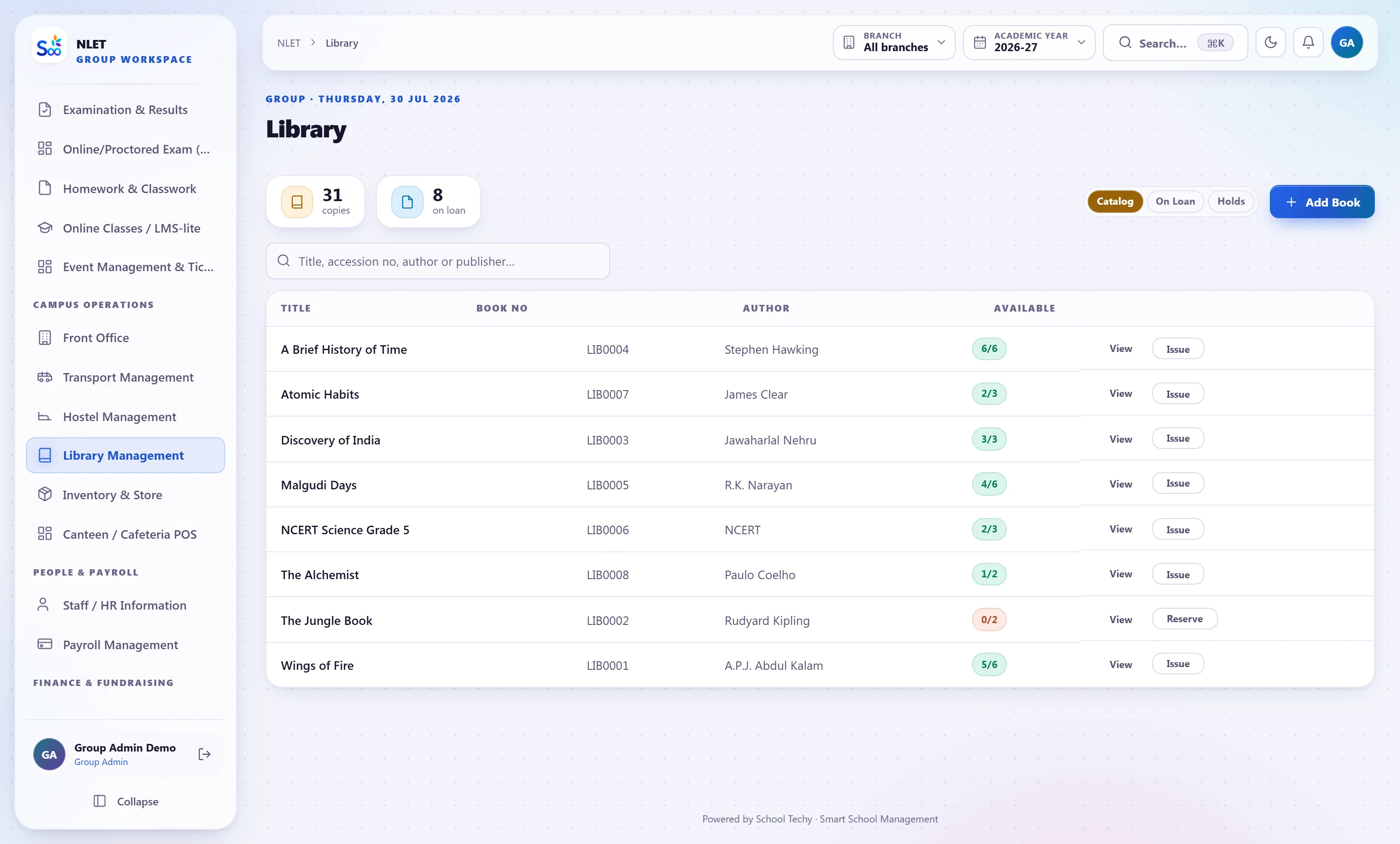
What ships in library
Counted from the software, not the brochure.Titles and copies are not the same thing
This is the modelling decision that decides whether a library system is usable. A school owns one title — say a particular textbook — and eleven physical copies of it, each with its own accession number, condition and location. Software that treats a book as a single row cannot tell you which copy is missing, which is damaged, or that eight are out and three are on the shelf.
- 01 One title, many copies Each copy has its own accession number, purchase date, price, condition and shelf location. Availability is a count of copies, not a yes/no flag.
- 02 Classification your librarian already uses Dewey or your own scheme, with subject, language and section — junior, senior, reference, periodicals.
- 03 Reference copies that never leave Marked non-circulating, so the counter cannot issue the only copy of the atlas.
- 04 Bulk import from your existing list An accession register in Excel imports as titles with copies, which is how a library of twelve thousand books gets in without re-keying.
Fast enough for a queue at the interval
A library counter has fifteen minutes at the interval and forty students. Issue is a scan of the student card and a scan of the book, with the borrowing rules — how many books, for how long, for this class — applied without the librarian having to remember them. Overdue items are visible before a student reaches the counter, not after.
- 01 Rules per member category Junior students two books for a week, seniors four for a fortnight, staff more for longer. Set once and enforced at issue.
- 02 Holds and renewals A student can reserve a title that is out and is notified when a copy returns. Renewal is refused if somebody is waiting.
- 03 Overdue seen at the counter Scanning a member shows what they already have and what is overdue, so the conversation happens once.
- 04 Lost and damaged handled properly A lost copy is written off with a charge; a damaged copy is recorded with its condition. Neither leaves the catalogue claiming to be available.
Fines on the school invoice, and an annual stock check that finishes
Two chores that libraries usually do badly. Fines collected in a tin never reconcile with anything; here they are a fee head on the student’s invoice, paid with everything else. And stock verification — the annual count that traditionally takes a week and produces an argument — is a scanning exercise that produces a list of exactly what is missing.
- 01 Fines as a fee head Accrued per overdue day at your rate, appearing on the normal invoice with the same receipt and the same ledger entry. Waivable, with the waiver recorded.
- 02 Stock verification by scanning Scan the shelves; the system reports what it expected, what it found, and the difference — with issued copies excluded so they are not reported missing.
- 03 Write-offs with approval A missing copy is written off with a reason and an approver, which is what makes next year’s count start from a defensible number.
- 04 Reading history per student Kept across years. Useful for a librarian encouraging a reader, and for the report a school shows at an inspection.
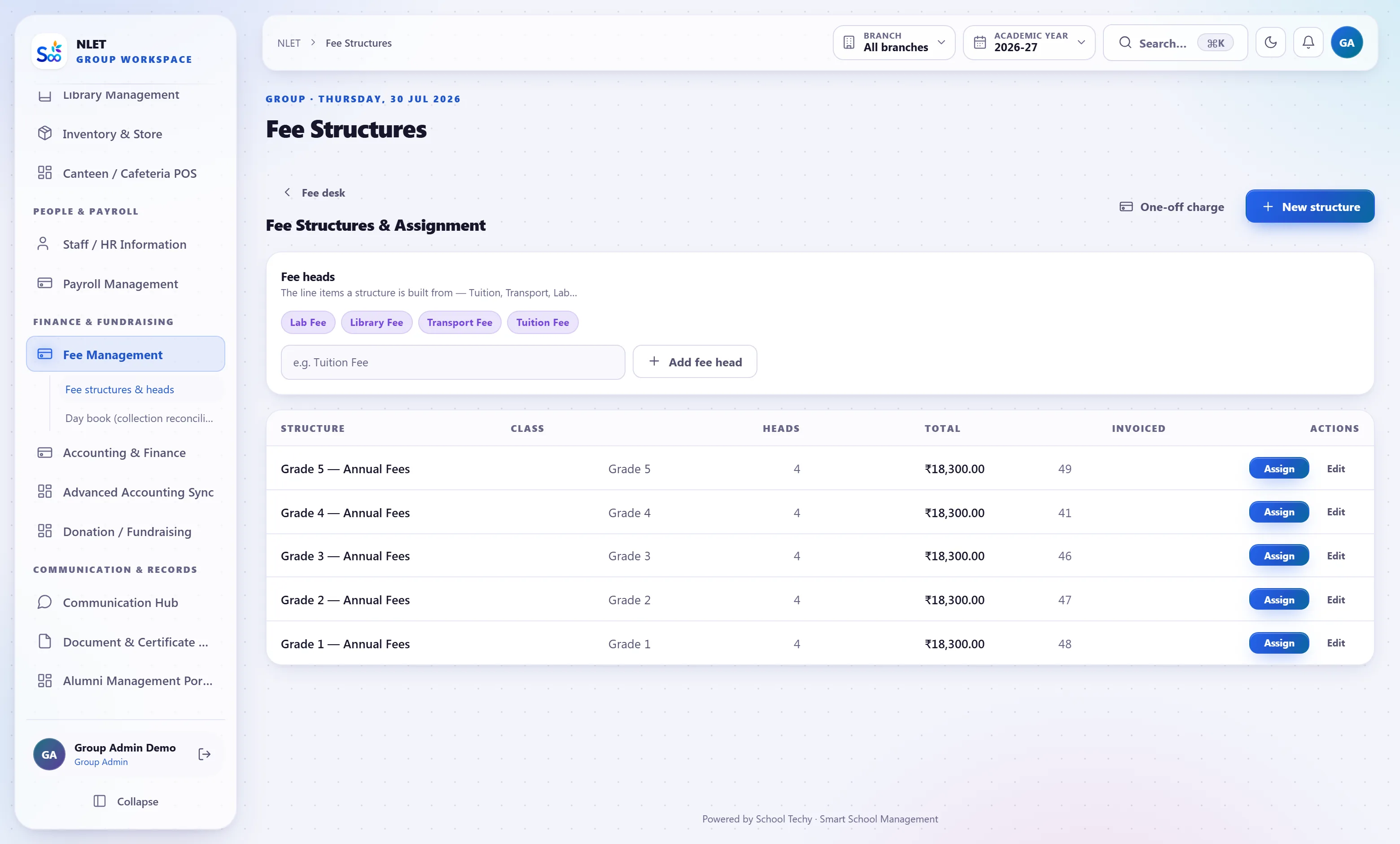
Everything in the library module
From an accession register to a running library
What this module does not do
Stated here so it comes up now rather than in month three. If one of these is a hard requirement, tell us on the call and we will say plainly whether it is on the roadmap or not for us.
| You might expect | What we actually do | Status |
|---|---|---|
| A public-facing OPAC on your website | Students and staff search the catalogue when signed in. A public catalogue for anonymous visitors is not exposed | Not yet |
| E-book lending and digital rights management | Physical circulation only. Digital documents live in the document hub, without DRM | Elsewhere |
| MARC record import from a national database | Excel and CSV import. No Z39.50 or MARC21 record harvesting | Not yet |
| RFID gate security and self-issue kiosks | Barcode scanning at a staffed counter. No RFID gate integration or self-service kiosk | Not yet |
| Inter-library loan between unrelated schools | Per-campus stock within one group is visible; lending between separate customers is not | Not for us |
| Automatic cataloguing from an ISBN lookup | ISBN is stored and searchable, but bibliographic data is not fetched from an external service | Not yet |
What library is wired to
Nothing here is a separate product with an import step. These modules read and write the same student record, which is the entire point.
Library — questions we get asked
Something not answered here?
Can you import our accession register?
Why do you distinguish titles from copies?
Do we need a barcode scanner?
How are library fines collected?
How does the annual stock verification work?
Can a student reserve a book that is out?
Is reading history kept after a student is promoted?
Can staff borrow on different terms from students?
Import a slice of your catalogue and issue a book
Send a few hundred rows of your accession register. We load them before the call, and you issue a real copy to a real student.
- No card required
- Your data stays yours — export any time
- Setup help included